.png.88e0b900f1aa353dc4be09303a3550aa.png)


coachacola
Super Moderators
-
Joined
-
Last visited
Everything posted by coachacola
-
Here's how LU compare to UTRGV against FCS opponents according to Massey. Hopefully the team will be hyped up and will lay a whooping on UTRGV. LU UTRGV


-
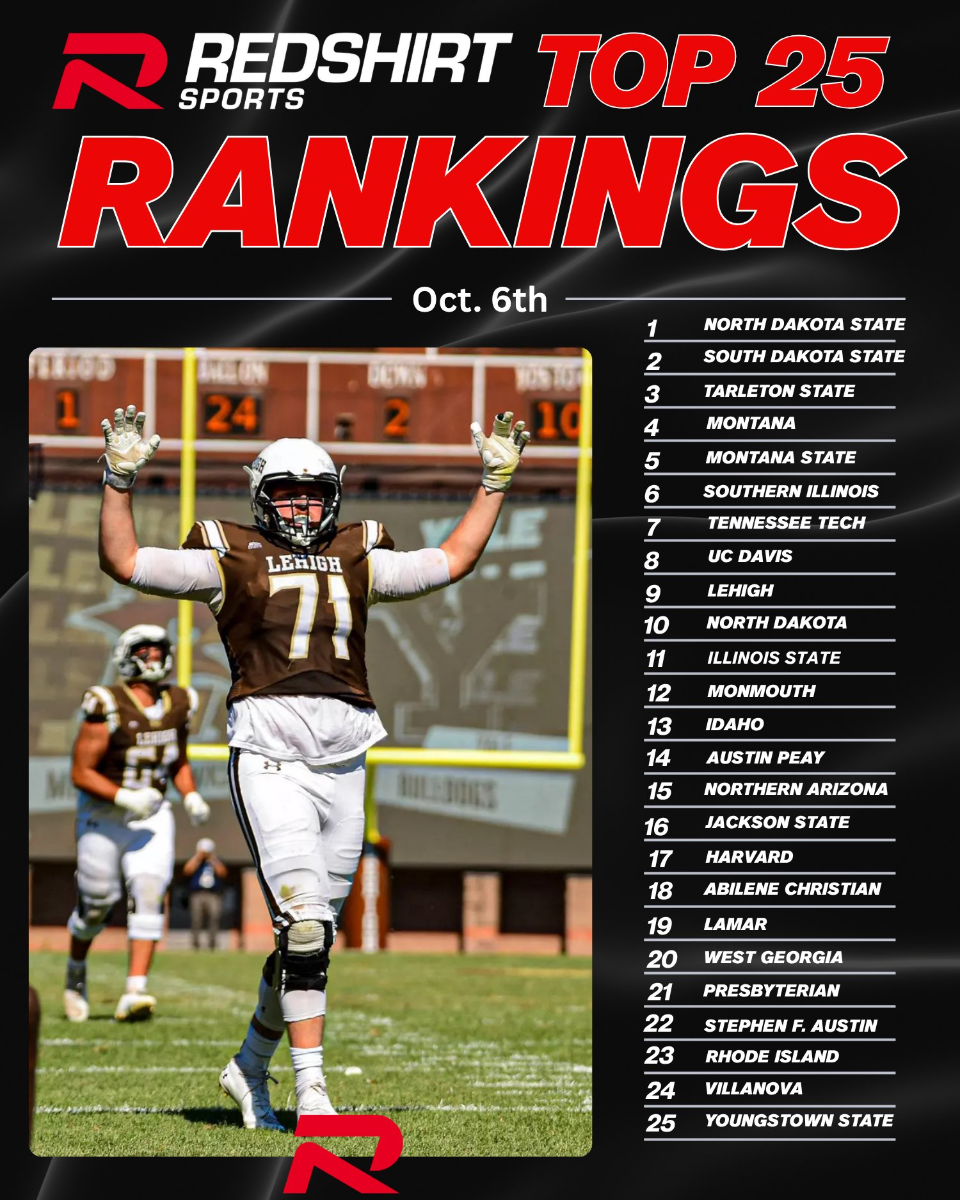
LU is sitting at 5-1, all wins against FCS opponents. The schedule has been relatively easy but they only had one easy win against Texas Southern. Next 6 games look to be a lot tougher. I think they'll be lucky to end up 7-5. I predict they'll go 2-4, losing to a team they should beat and beating someone they should lose to.LU scores two TDs in the last second to win 33-23!They'll be lucky to get 6 wins.LU down 10-3 early second quarter.LU down 7-0 due to a McCown fumble that gets returned for a TD.This game and the Northwestern State game should be easy or we'll probably see LU end the season on a 3 or 4 game losing streak.
Account
Navigation
Search
Configure browser push notifications
Chrome (Android)
- Tap the lock icon next to the address bar.
- Tap Permissions → Notifications.
- Adjust your preference.
Chrome (Desktop)
- Click the padlock icon in the address bar.
- Select Site settings.
- Find Notifications and adjust your preference.
Safari (iOS 16.4+)
- Ensure the site is installed via Add to Home Screen.
- Open Settings App → Notifications.
- Find your app name and adjust your preference.
Safari (macOS)
- Go to Safari → Preferences.
- Click the Websites tab.
- Select Notifications in the sidebar.
- Find this website and adjust your preference.
Edge (Android)
- Tap the lock icon next to the address bar.
- Tap Permissions.
- Find Notifications and adjust your preference.
Edge (Desktop)
- Click the padlock icon in the address bar.
- Click Permissions for this site.
- Find Notifications and adjust your preference.
Firefox (Android)
- Go to Settings → Site permissions.
- Tap Notifications.
- Find this site in the list and adjust your preference.
Firefox (Desktop)
- Open Firefox Settings.
- Search for Notifications.
- Find this site in the list and adjust your preference.